Dashboard |


|
Dashboard |
|
The Dashboard provides information about:
| • | From the Mail Manager ribbon select the Status button: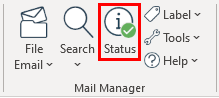 |
| • | From the Windows Notification Tray select the Mail Manager icon  and choose "Show Dashboard..." and choose "Show Dashboard..."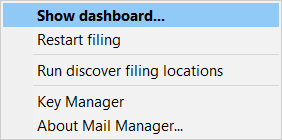 The Dashboard window will appear: 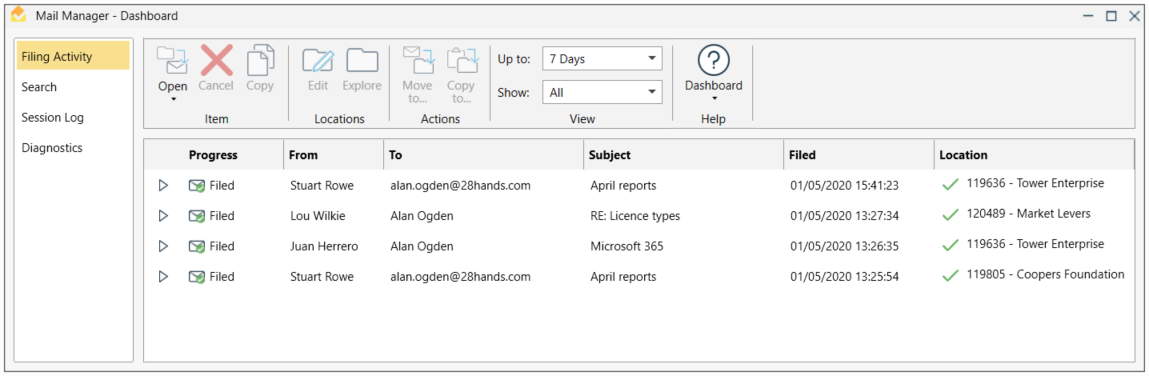 |