Windows Explorer: Send link |


|
Windows Explorer: Send link |
|
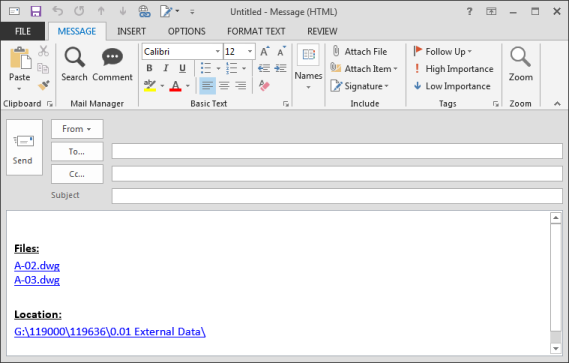
Creates a new message with links to the selected folders or files. Outlook must be open to use this feature.
| • | From Windows Explorer select single or multiple files or folders and right-click |
| • | The "Send Mail Manager Link/s" menu item will appear: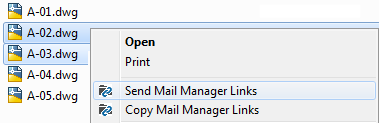 |
| • | Select the "Send Mail Manager Links" option, a new email will be created e.g. |